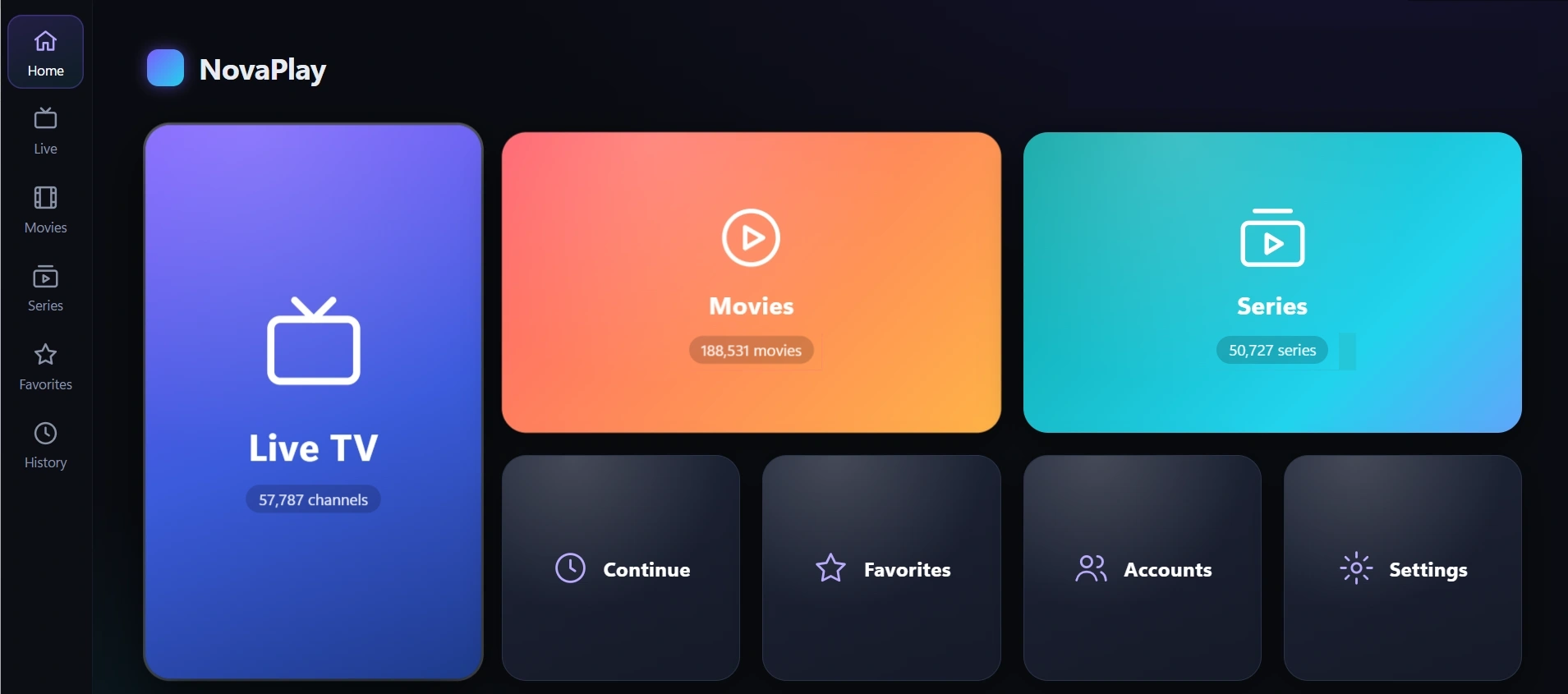
Simple interface
Navigate with a clear, organized dashboard.
 NovaPlay
Download NovaPlay for free on Android, Android TV, Fire TV, Windows and macOS.
Designed for smooth streaming with minimal buffering and lag.
Download for free ↓Playback quality depends on your connection, device and media source.
A familiar experience across your favorite devices.
Navigate with a clear, organized dashboard.
Available on Android, TV, Windows and Mac.
Get the NovaPlay application at no cost.
Keep your preferred items within easy reach.
Find previously watched items in your history.
Contact our team via WhatsApp, Telegram or email.
APK
Download · APKAPK
Download · APKDownloader
Download · DownloaderEXE · 1.6.0
Download · EXEDMG · M1 / M2 / M3 / M4
Download · DMGDMG · Intel
Download · DMGmacOS 11 Big Sur or later.
Apple menu → About This Mac: choose Apple Silicon for an Apple chip, or Intel for an Intel processor.
Open the DMG and drag NovaPlay into Applications. Verify the app’s origin before approving any security warning.
The application is free to download. Media access may require separate authorization or an account.
Open Downloader, enter 7055340 and follow the installation prompts.
Android phones and tablets, Android TV, Fire TV Stick, Windows and macOS.
Download the APK from the Android section, open it and follow the device prompts. Only authorize installation from a trusted source.
Yes. Use the Android TV download or Downloader where available.
Enter 7055340 in Downloader and follow the prompts.
Download the EXE from the Windows section, verify its origin and follow the installer prompts.
Open Apple menu → About This Mac. Choose Apple Silicon for an Apple M-series chip, or Intel for an Intel processor.
macOS 11 Big Sur or later.
Open the DMG and drag NovaPlay into Applications. Verify the publisher before opening the app.
No subscription or access to paid content is promised by the free download. Use only media you are authorized to access.
Check your connection, restart the app and try again. If the problem persists, contact support.
Check device compatibility, available storage and whether the installer downloaded completely.
Use the WhatsApp, Telegram or email links in the support section below.